GB1TMH from Touchdown
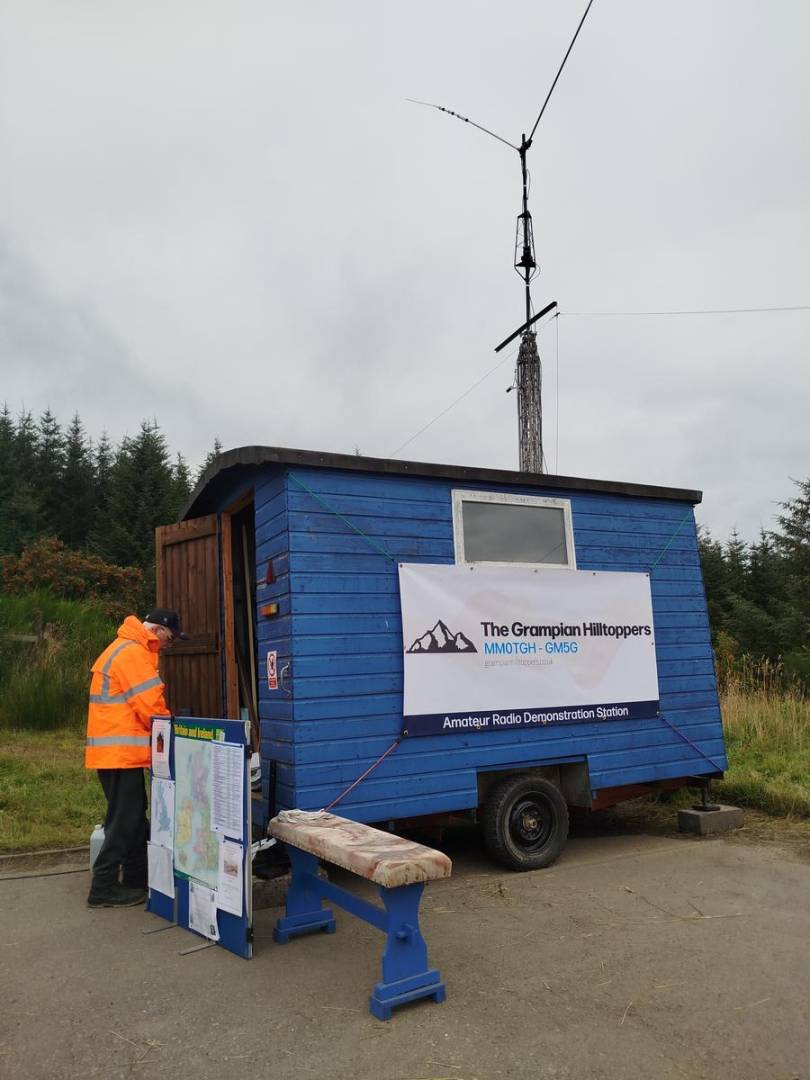
The Grampian Hilltoppers put GB1TMH on the air on Saturday 22 August from the grounds of Touchdown Memorial Home for Horses, near Mulben in Moray. Touchdown were running their summer fair, so we took the mobile shepherd's hut along and spent the day on HF.
Touchdown look after horses and ponies at their sanctuary near Mulben, and they run equine-assisted therapy with veterans, ex-offenders and young people with additional needs. The Countrymen Club and Blue Unicorns run from the same site. We were there to put their name on the air for a day.
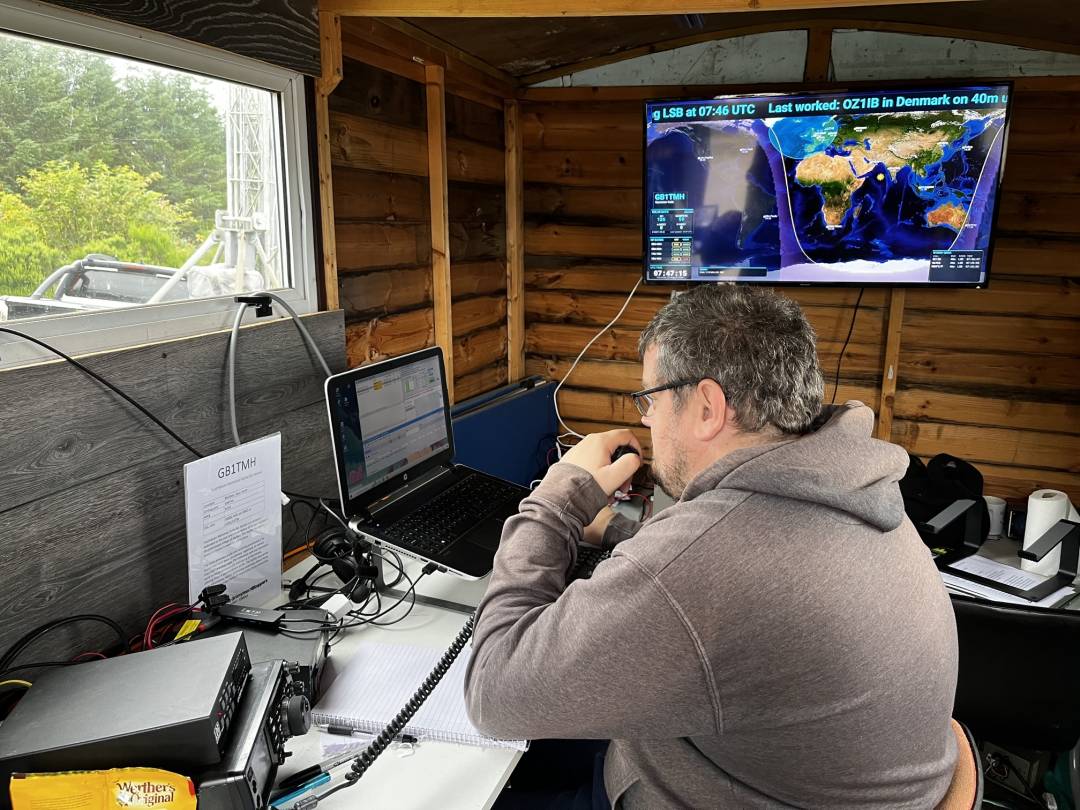
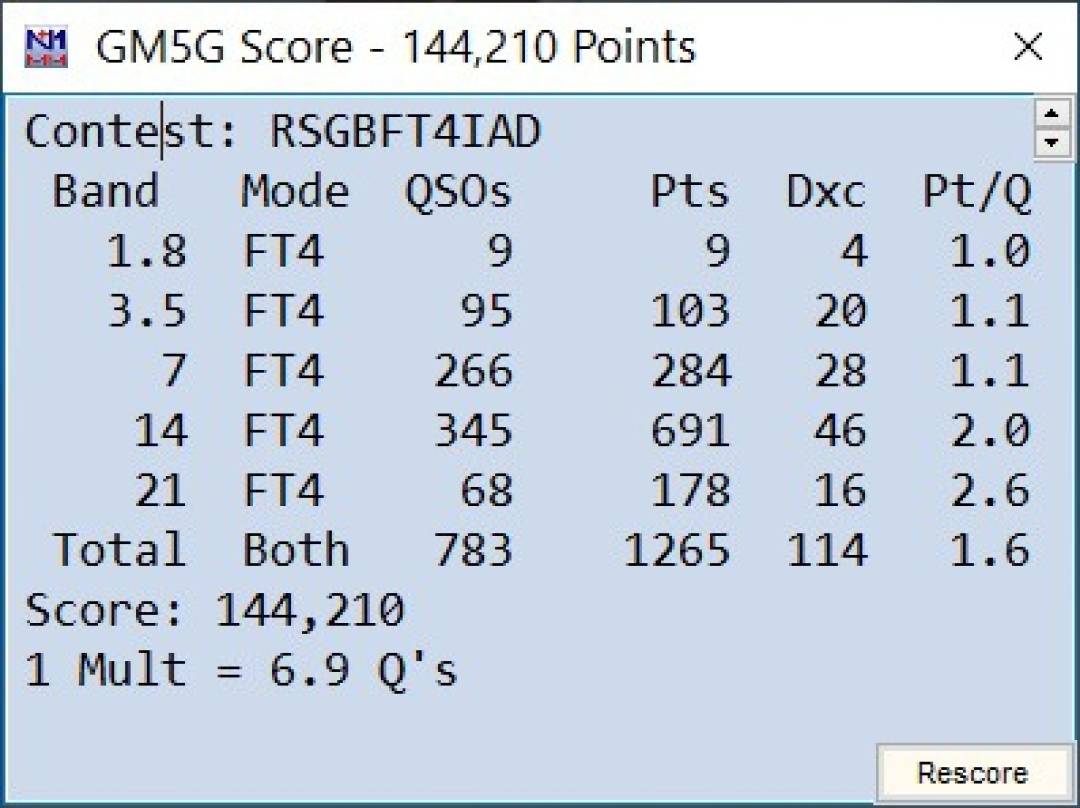
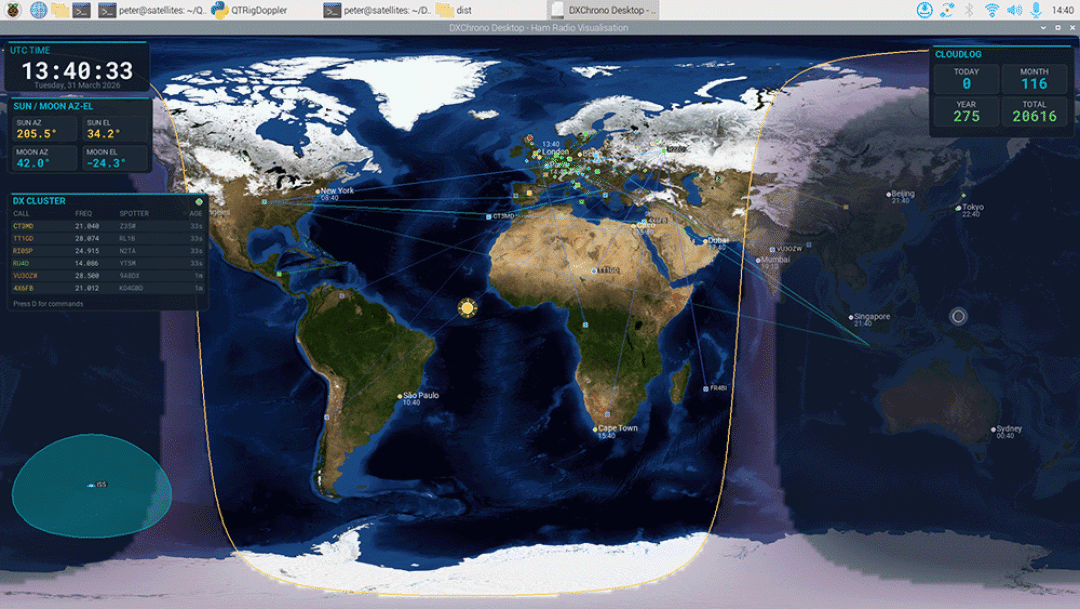
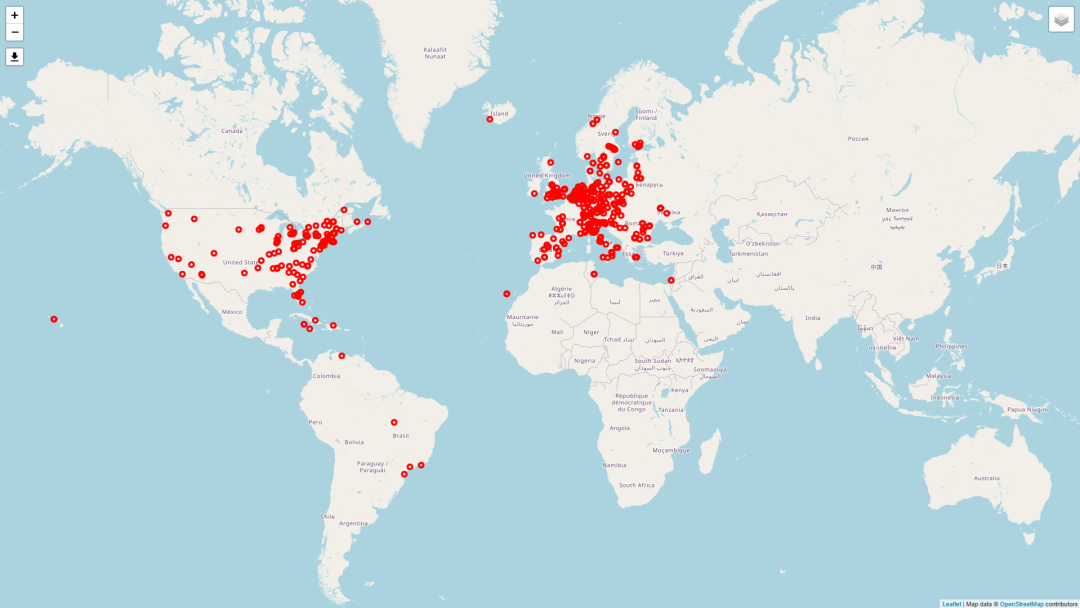
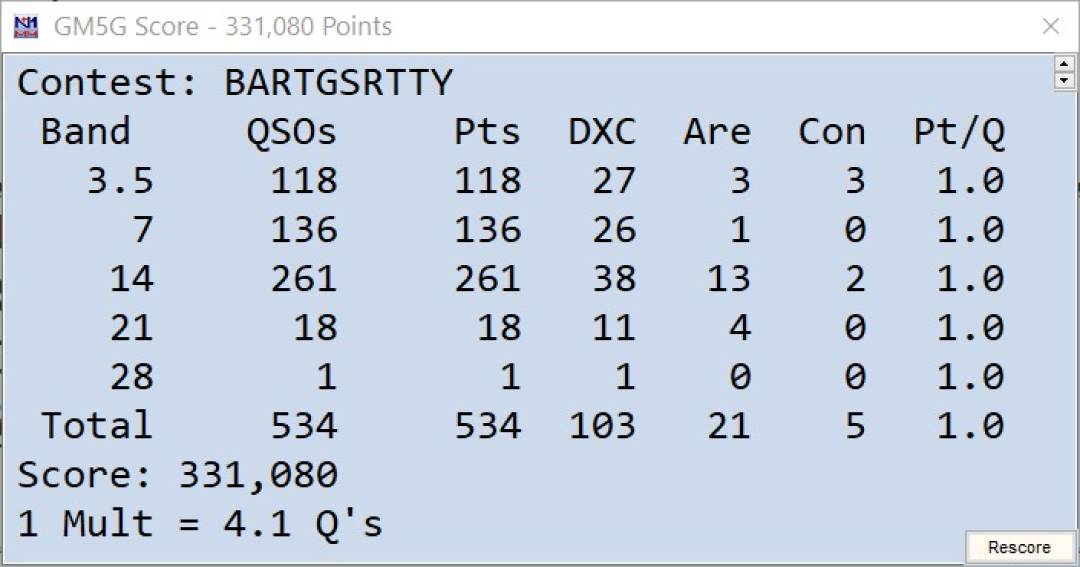
We finished with 303 QSOs, 275 different calls, covering 37 DXCC entities and 140 grids. We logged it in N1MM. On the wall we had DXChrono Desktop running in Special Event mode, so the hut could see the map and whoever we had just worked.
The station was a Yaesu FT-991 at 100W, a Comet trapped dipole for 40 to 10 m, and a separate 40 m dipole, both at 20 ft on the trailer tower.
We started on 40m SSB just before 09:00 BST. That was the sociable bit: mostly G, GM, GI and GW, with a few continentals in the mix. 35 phone contacts in total, 34 of them on 40, and one lonely SSB QSO on 20. After that we went to FT8 and FT4 and the rate went up.
The band split for the day:
Band QSOs
10m 82
20m 74
40m 69
15m 64
6m 14
Modes: 238 FT8, 35 SSB, 30 FT4.
Peak hour was 15:00 to 16:00 BST, 48 in the log.
10 m being the busiest band was a bit of a surprise for late August from here. It was almost all Europe, so Es rather than a magic F2 opening. Same story on 6 m: we just used the auto ATU to put the Comet on 6, nothing special, and a short lunchtime Es burst from about 13:13 BST gave us 14 FT8 contacts into Germany, Italy, France, Switzerland, Slovenia and Croatia, then it was gone.
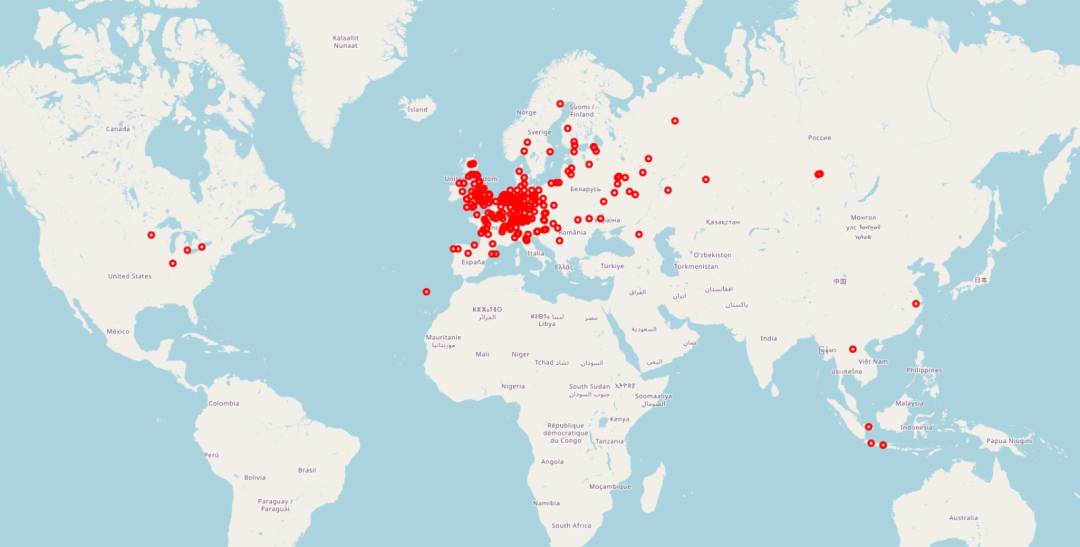
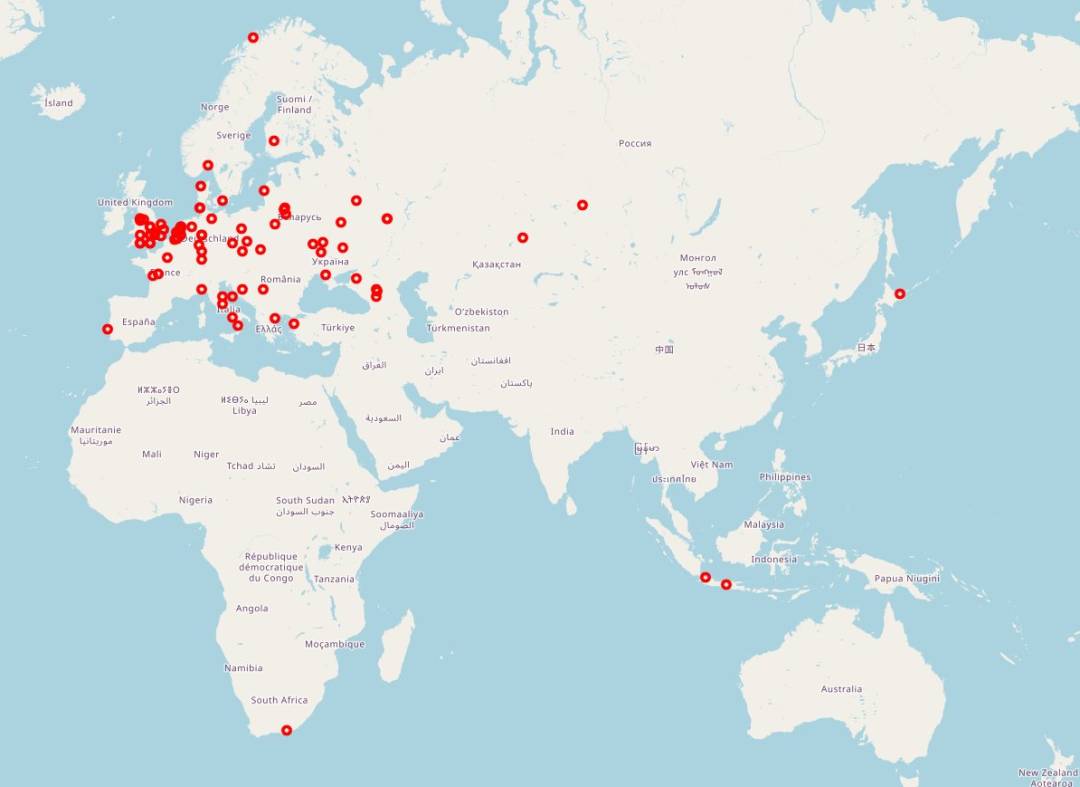
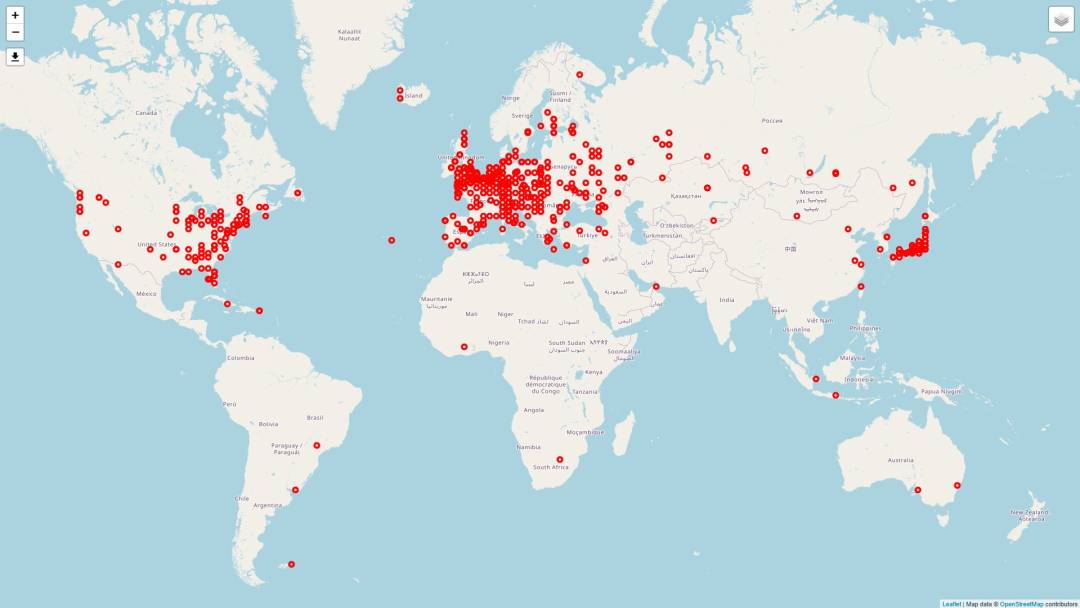
From a mobile shepherd's hut we still found Asiatic Russia on 20m in the morning (R8AU, UA0AV, RV0AR). Later on 15m we had Indonesia, China (BA5AN), Laos (XW4KV), VE3MZD, and a couple of US stations. CT3MD called in on 20m FT4. Nothing from South America, VK or Africa, which is exactly what the map looks like: Europe painted red, a handful of dots further out.
Thanks to Touchdown for having us.